
Windows 10 End of Life – Is Your Digital Environment Ready for the Future?
Microsoft has officially confirmed that Windows 10 reached its official end of support on October 14, 2025. After this key date, all security updates, feature enhancements, and technical support ceased completely. Consequently, systems running legacy Windows 10 remain increasingly vulnerable to modern cyber threats. Notifications, security patches, and automated protections no longer maintain unsupported systems. Therefore, residential users, commercial businesses, and enterprise organizations must take action immediately.
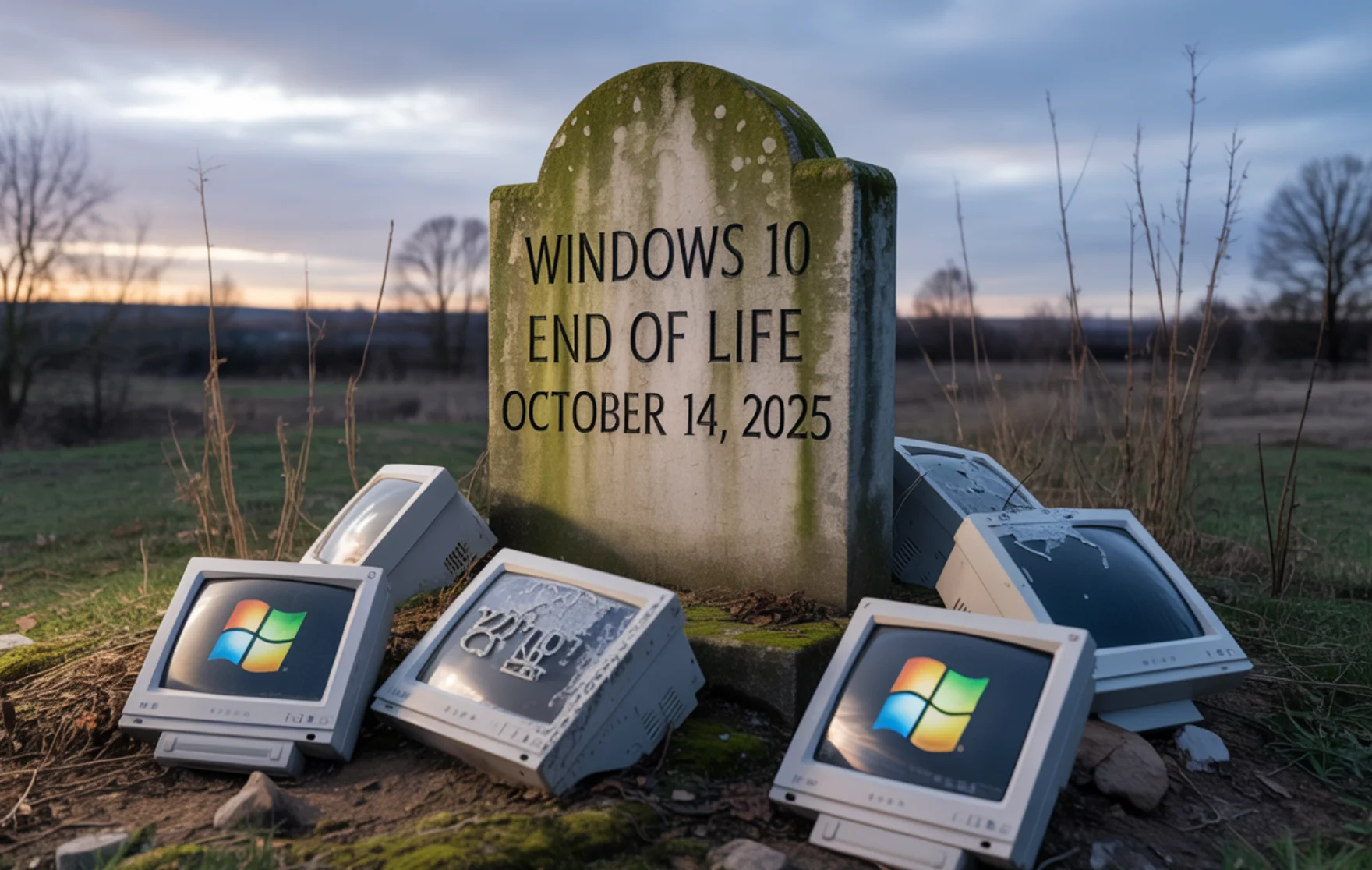
At Not Without IT, our upgrade initiative helps you transition smoothly to modern platforms. Specifically, we guide your upgrade to Windows 11, migrate workloads to cloud environments, or deploy interim security controls. Drawing on our deep expertise in cloud computing and network security, we ensure your workstations remain secure, fast, and future-ready well past Windows 10’s retirement.
Understanding Windows 10 End of Support – Security Risks and Liabilities
Although computers running Windows 10 still turn on, operating without security patches creates severe operational liabilities. For instance, unsupported operating systems serve as easy targets for zero-day exploits, ransomware, and credential theft. As a result, unpatched endpoints expose proprietary corporate databases and personal cloud records to active cyber threats.

Businesses operating outdated software risk costly data breaches, compliance fines, and sudden operational downtime. At Not Without IT, we conduct proactive risk assessments to identify vulnerable workstations across your network. Furthermore, we develop strategic migration paths featuring hardware upgrades, cloud virtualization, or Extended Security Updates (ESU) to safeguard business continuity.
Your Options After Windows 10 End of Life: Upgrade, Protect, or Replace?
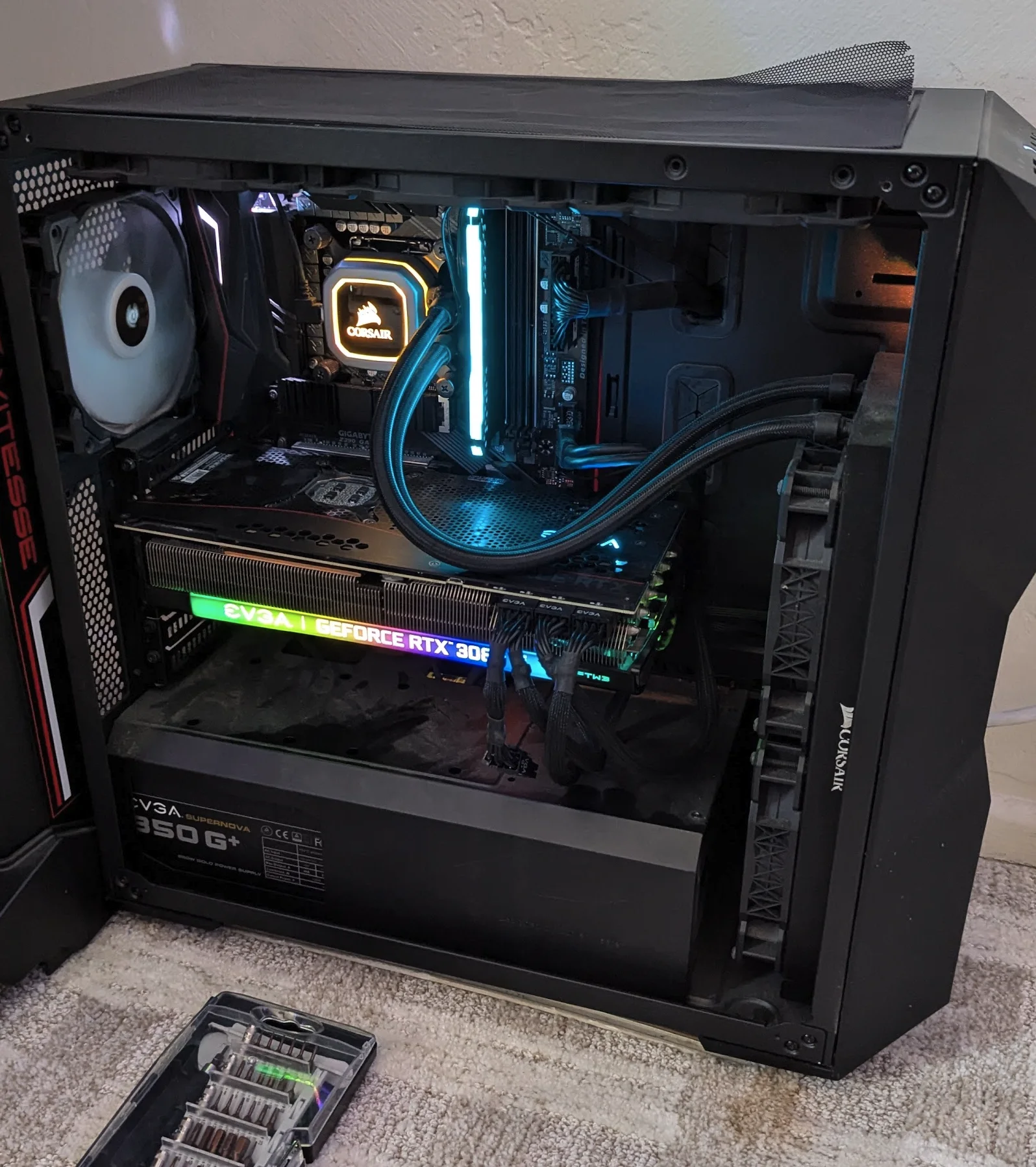
Addressing an end-of-life operating system requires assessing your existing hardware infrastructure. First, test whether your desktop or laptop computers satisfy Windows 11 hardware requirements. If your devices meet system specifications, upgrading immediately secures your operating environment. Alternatively, if your hardware remains unsupported, enrolling in Microsoft’s Extended Security Updates (ESU) provides temporary protection while hardware refreshes are planned.
Replacing legacy devices with modern workstations represents the most reliable long-term strategy. For enterprise organizations with many workstations, executing large-scale migrations requires technical coordination. Therefore, Not Without IT delivers structured pilot testing, automated data migration, and staged deployment to minimize business disruption.
Modernization Made Secure: Hybrid Cloud & Azure Virtual Desktop
Operating system end-of-life milestones provide an excellent opportunity to modernize corporate infrastructure. For example, many companies leverage this transition to adopt cloud environments like Azure Virtual Desktop or Amazon WorkSpaces. Specifically, Not Without IT engineers scalable virtual desktop infrastructure (VDI) that enables secure remote access from any location.
From centralizing cloud identity management via Microsoft Entra ID to establishing automated cloud backups, we modernize your tech stack safely. Furthermore, residential users benefit from automated cloud data backups and device management. Partnering with us ensures your digital infrastructure remains secure, compliant, and performant.
Act Now to Block Evolving Cyber Threats
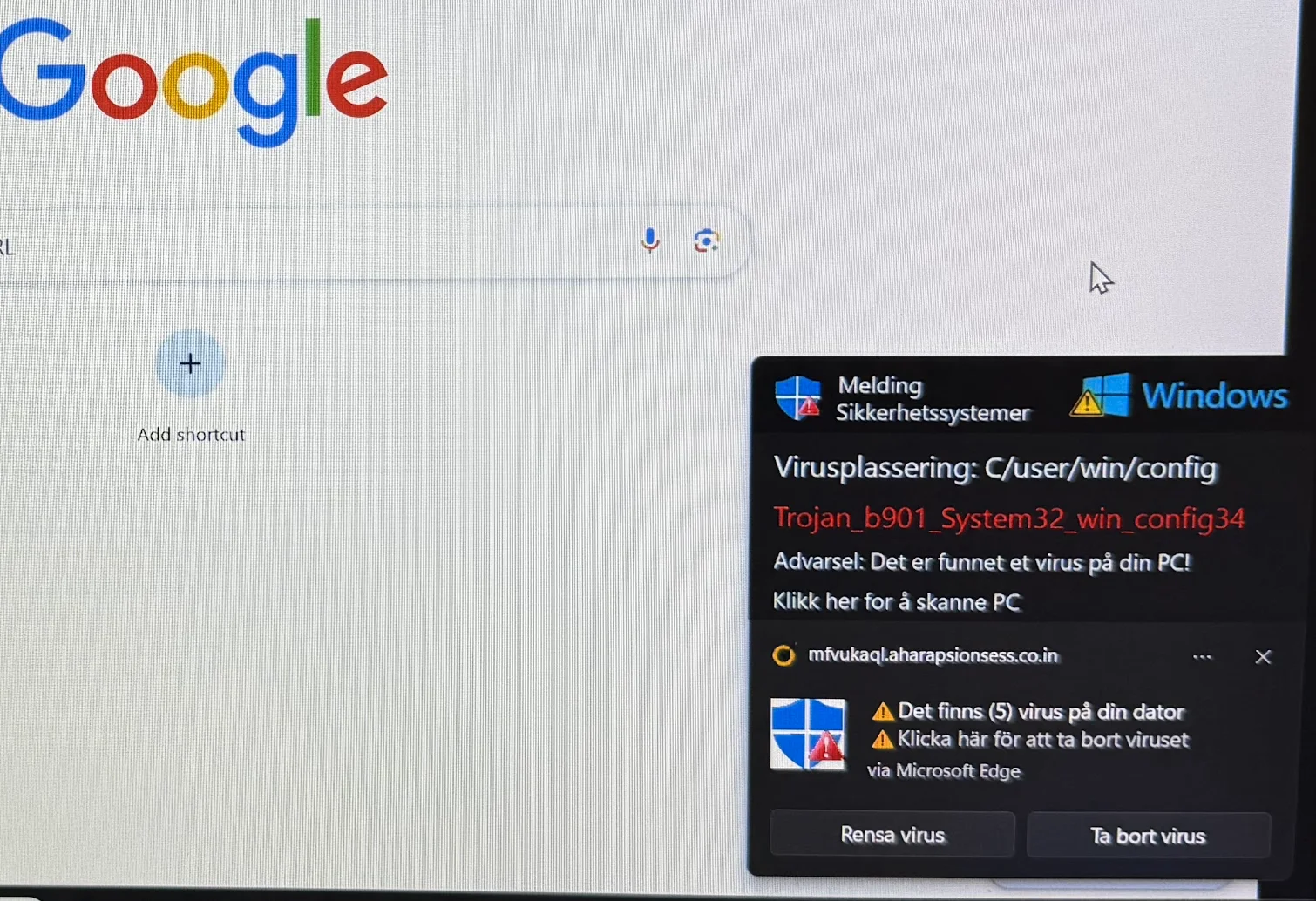
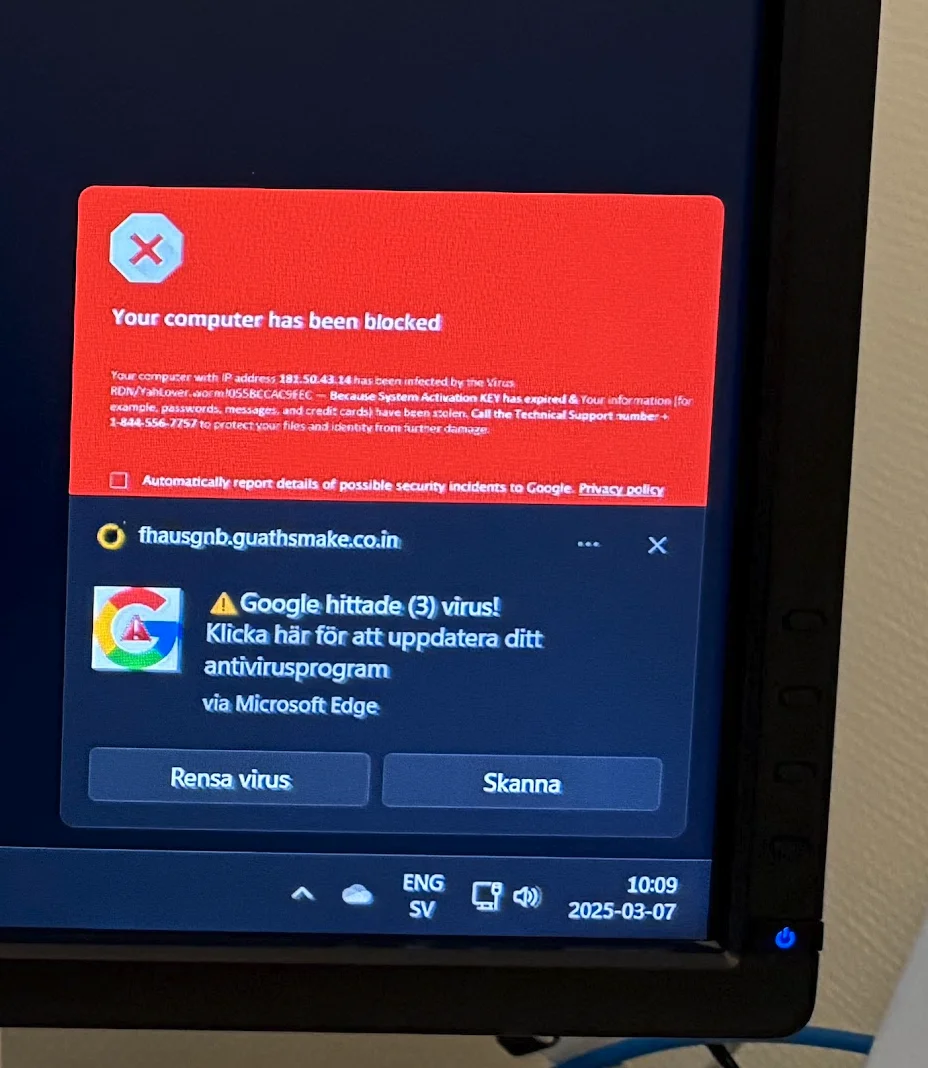
Delaying operating system upgrades introduces serious cybersecurity vulnerabilities into your network. Unpatched systems attract malicious hackers, turning unmonitored endpoints into entry points for Trojan attacks and ransomware. Because modern cyber threats evolve rapidly, maintaining outdated software poses unacceptable operational risks.
At Not Without IT, we advocate immediate system hardening. Specifically, our team conducts vulnerability scans, creates migration roadmaps, and executes hardware upgrades smoothly. Protect your business data and upgrade your endpoints safely with our certified IT engineers.
Transition Seamlessly with Not Without IT
The retirement of Windows 10 highlights the importance of modernizing corporate technology. Whether you represent a residential client, a growing small business, or a multi-site enterprise, Not Without IT serves as your trusted technology partner.
We bring decades of experience across cloud migration, cybersecurity, and infrastructure management. Consequently, our structured migration process minimizes downtime while maximizing system security. Contact Not Without IT today to schedule your system upgrade consultation!
Frequently Asked Questions (FAQ) – Windows 10 End of Life
- When did Windows 10 support officially end?
Microsoft officially ended support for Windows 10 on October 14, 2025. - What happens after Windows 10 reaches end of life?
Computers continue operating, but Microsoft no longer issues security patches, bug fixes, or technical support. - Is it safe to keep using Windows 10 after October 14, 2025?
No. Running unsupported operating systems exposes your network to zero-day exploits, ransomware, and cyber fraud. - How do I upgrade from Windows 10 to Windows 11 securely?
Check hardware compatibility first, backup all local data to encrypted cloud storage, and perform an in-place upgrade or clean installation. - What are my options if my PC cannot run Windows 11?
You can enroll in Microsoft’s Extended Security Updates (ESU) program temporarily, replace legacy hardware, or migrate to Azure Virtual Desktop. - What is Microsoft Extended Security Updates (ESU)?
ESU is a paid subscription service providing critical security patches for legacy systems while hardware replacement takes place. - How can Not Without IT help me transition from Windows 10?
We manage hardware compatibility checks, automated data migration, cloud desktop setups, and network security hardening. - Is it better to migrate to the cloud instead of upgrading Windows 10 hardware?
Yes. Migrating to Azure Virtual Desktop or AWS allows users to run modern operating systems securely on older physical devices. - How can I check if my computer is compatible with Windows 11?
Use Microsoft’s PC Health Check app or contact Not Without IT for an enterprise hardware compatibility audit. - Why should I act now instead of delaying my operating system upgrade?
Cybercriminals target unsupported operating systems actively. Upgrading now ensures compliance, data security, and uninterrupted business operations.