
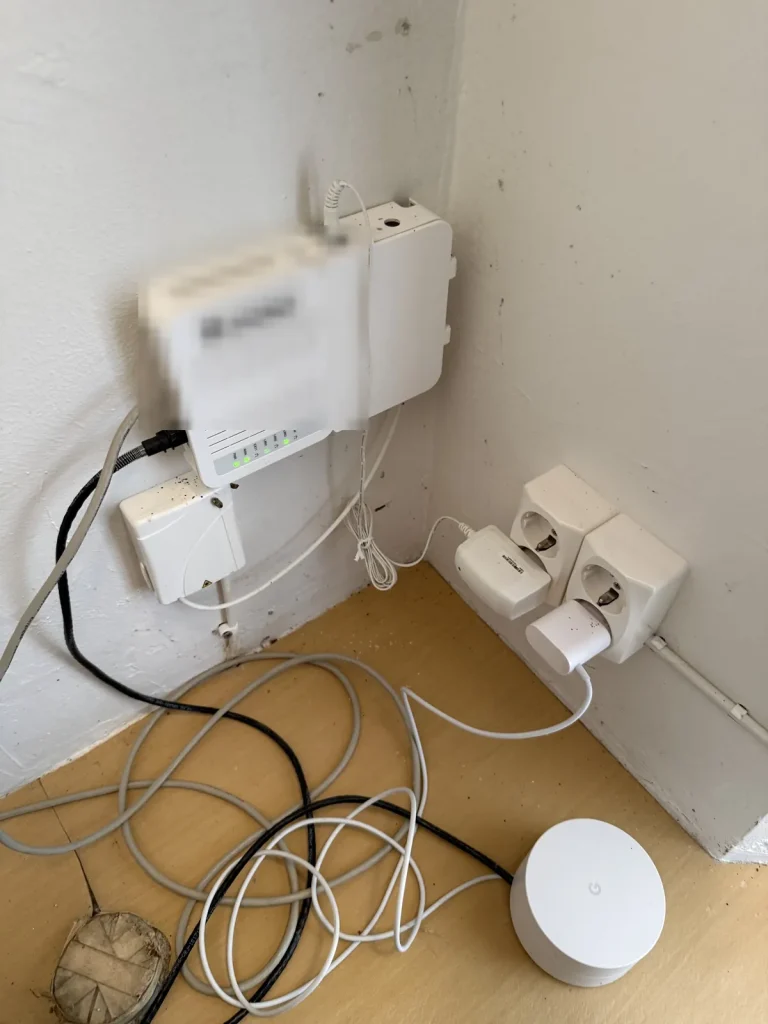
Business Wi-Fi from Not Without IT delivers coverage that reaches every desk, meeting room and corner of your office, with speeds that match today’s devices. We design and install Wi-Fi 7 and mesh systems with wired backhaul, secure them with WPA3 and separate networks, and we tune them until dead zones and dropped calls disappear.
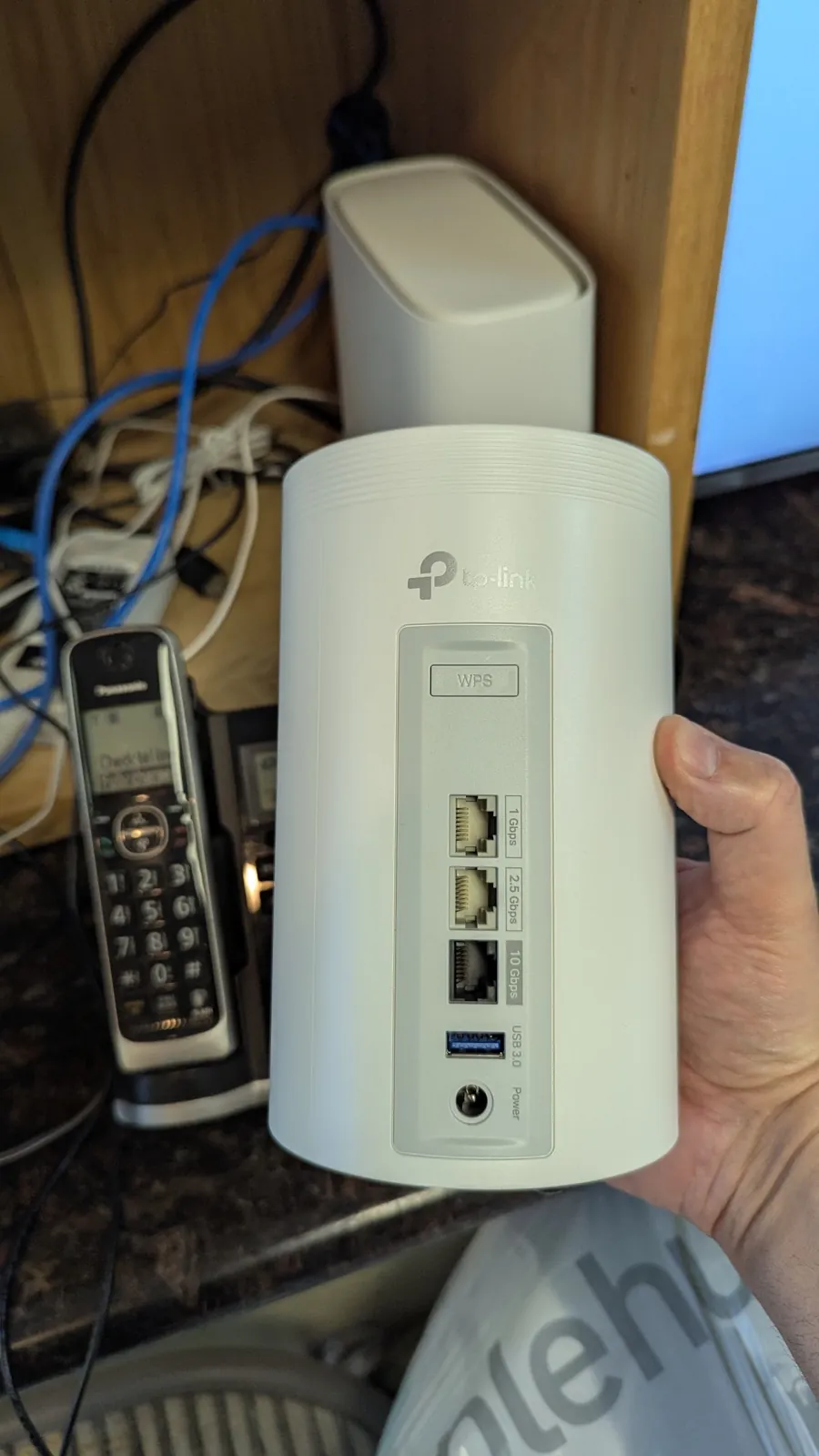
Poor Wi-Fi rarely comes from a lack of signal strength alone. Instead, it comes from access points in the wrong places, overlapping channels, mesh nodes that relay everything over the air, and old devices that slow everyone down. As a result, staff blame the internet connection while the real problem sits inside the building. Our business Wi-Fi service finds the cause and fixes it.
What our business Wi-Fi service includes
We plan wireless coverage around your floor plan, walls, users and devices. A typical project includes:
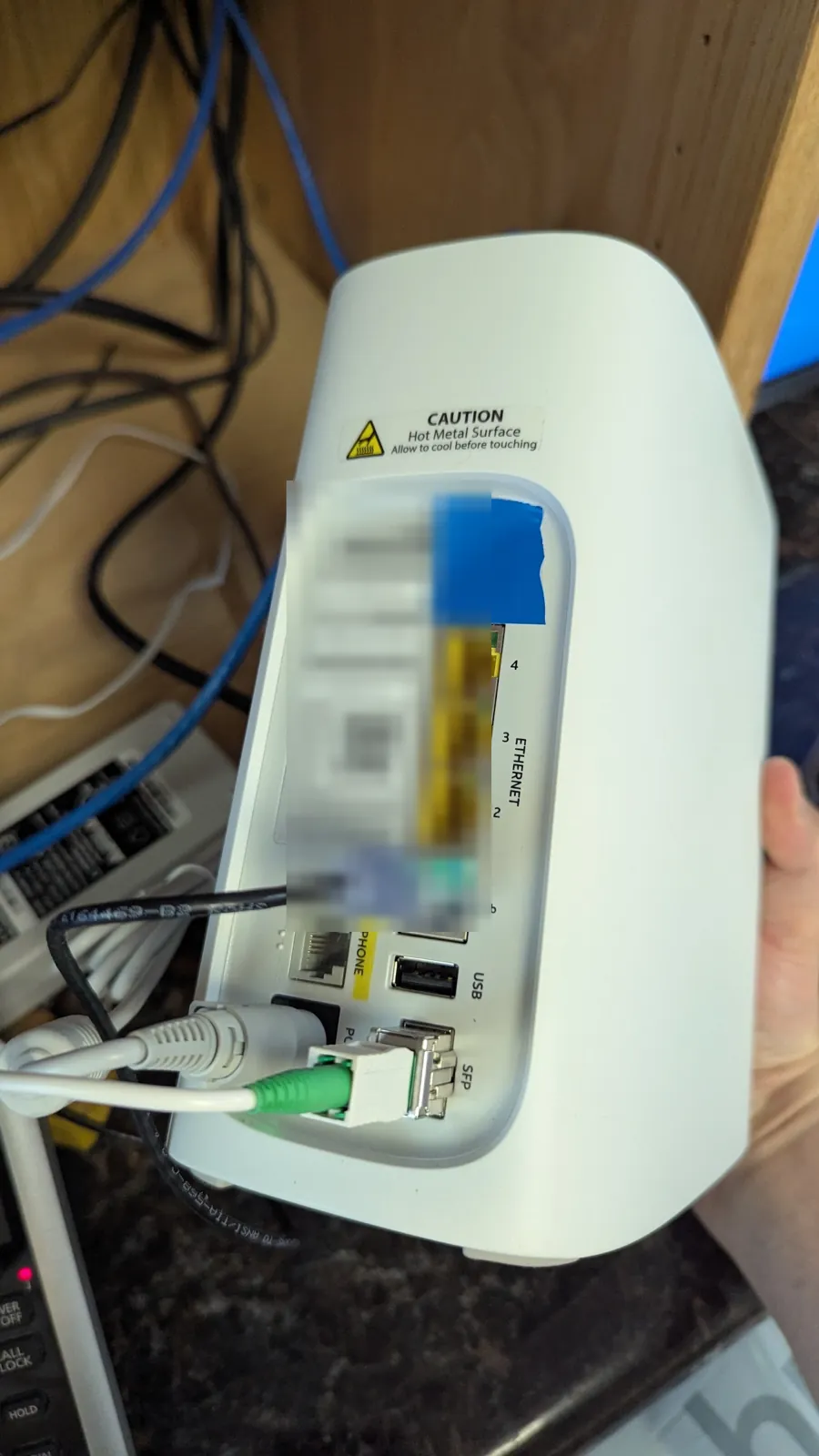
- A site survey that measures signal, interference and existing networks.
- Placement of access points or mesh nodes based on the survey, not on guesswork.
- Wired backhaul over Ethernet, so mesh nodes do not waste airtime relaying traffic.
- PoE switches that power ceiling-mounted access points through one cable.
- WPA3 security, separate staff and guest networks, and isolated networks for smart devices.
- Roaming tuned for calls, so Teams and phone calls continue as people move.
In addition, we connect cameras, printers and conference room systems to the right network segment.
Wi-Fi 7 and Multi-Link Operation
Wi-Fi 7 is the latest generation, and the Wi-Fi Alliance began certifying devices in January 2024. Its most important feature is Multi-Link Operation (MLO), which supports more efficient load balancing of traffic among links, resulting in increased throughput and enhanced reliability. In practice, a laptop can use the 5 GHz and 6 GHz bands at the same time, and it keeps the connection steady when one band gets busy.
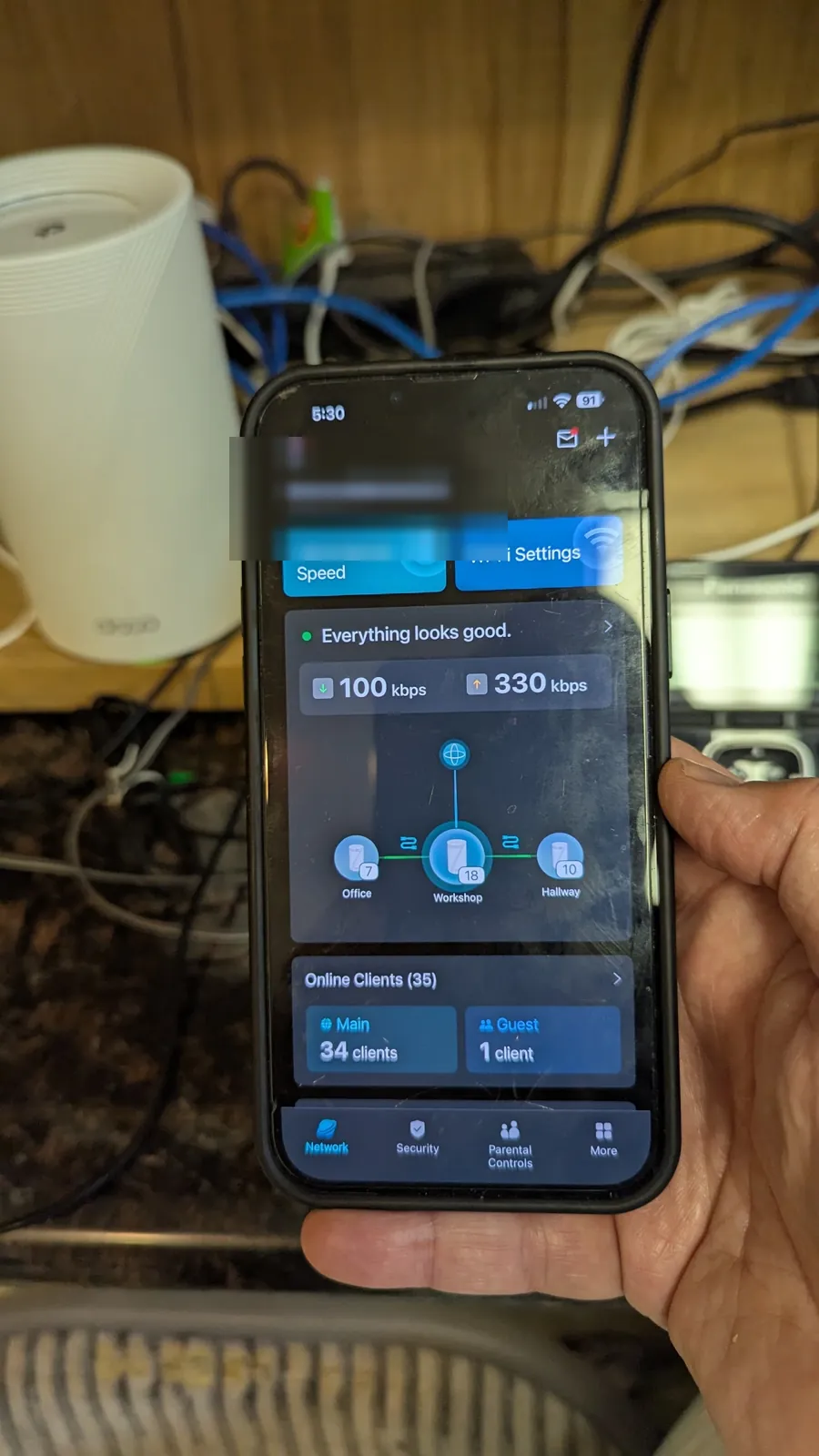
However, the benefits depend on the design. MLO and 320 MHz channels need the 6 GHz band, compatible client devices and a wired network fast enough to carry the traffic. Therefore, we check your laptops and phones first, and we recommend Wi-Fi 7 where it adds real value instead of selling it everywhere.
Mesh networks done right
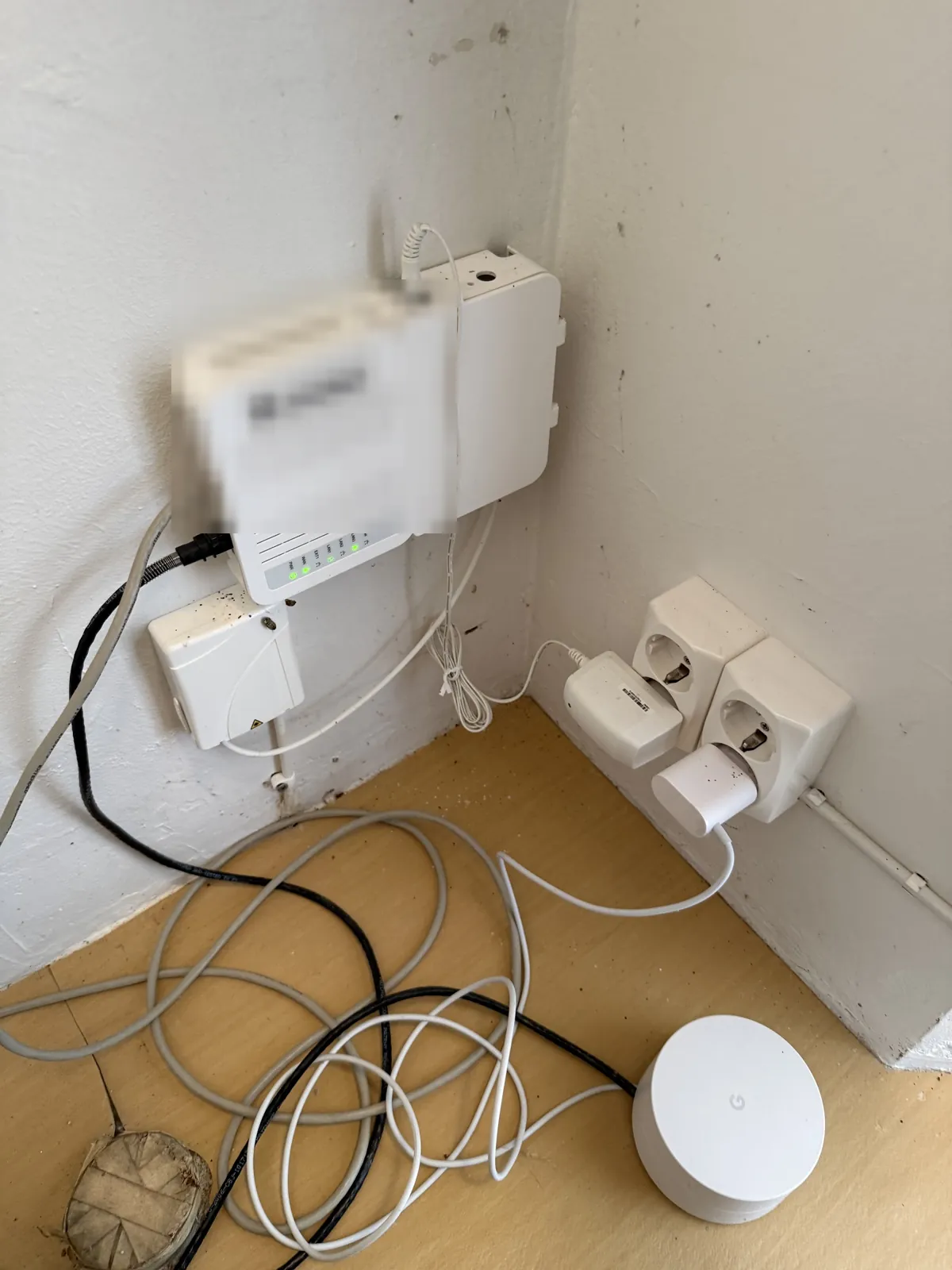
Mesh systems suit homes and smaller offices where running cables to every room is difficult. Yet a mesh that relays all traffic wirelessly loses speed with every hop. That is why we connect mesh nodes with Ethernet backhaul wherever possible. Where cables are impossible, we use a dedicated wireless backhaul band and place nodes close enough to keep the link strong.
Secure business Wi-Fi
Wireless networks reach beyond your walls, so security matters. We use WPA3 where devices support it, retire shared passwords that former employees still know, and separate guests, staff and smart devices with VLANs. Similarly, we disable outdated protocols and keep access point firmware updated.
Why choose Not Without IT
Our engineers have designed networks for more than 30 years, and wireless backhaul, MLO and mesh design are part of our daily work. Above all, we measure before and after, so you see the improvement in numbers. Not Without IT is remote first, with headquarters in North Tustin, Orange County. We install on site in Orange County and Irvine, and we support Wi-Fi systems remotely across the United States. For wired foundations, see our network installation services.
Frequently asked questions about business Wi-Fi
Business Wi-Fi coverage and speed
Why is our office Wi-Fi so slow?
Common causes are poor access point placement, channel overlap and wireless mesh relaying. Also, old devices can slow the whole network down.
How do you find Wi-Fi dead zones?
We run a site survey that measures signal strength and interference throughout the building, and then we map the weak spots.
How many access points does our office need?
It depends on walls, floor area and the number of users. Therefore, we decide after the survey rather than by rule of thumb.
Why do calls drop when people walk around?
Usually, roaming is not tuned, so devices cling to a distant access point. We adjust the settings to fix it.
Can thick walls block Wi-Fi?
Yes. Concrete, brick and metal reduce signal strongly. As a result, access points must sit closer to the users behind them.
Should we use the 6 GHz band?
Yes, if your devices support it. The 6 GHz band has more space and less interference than 2.4 GHz and 5 GHz.
Does a faster internet plan fix slow Wi-Fi?
Not if the problem sits inside the building. Instead, a better wireless design usually helps more.
Wi-Fi 7, MLO and mesh
What is Wi-Fi 7?
Wi-Fi 7 is the newest Wi-Fi generation, based on IEEE 802.11be. It adds Multi-Link Operation, 320 MHz channels in 6 GHz and higher efficiency.
What is Multi-Link Operation?
Multi-Link Operation lets a device use several bands at the same time. Consequently, connections become faster and more stable.
Do we need new laptops for Wi-Fi 7?
To use Wi-Fi 7 features, yes. Older devices still connect, but they use their own older standard.
What is wired backhaul?
Wired backhaul connects mesh nodes or access points with Ethernet. As a result, the wireless bands serve users instead of relaying traffic.
Is mesh Wi-Fi good for businesses?
For small offices and homes, yes, especially with wired backhaul. For larger sites, ceiling-mounted access points usually work better.
Can you upgrade our current mesh system?
Yes. Often, adding Ethernet backhaul or moving nodes improves performance without buying new equipment.
Do you install Wi-Fi in large homes?
Yes. We design mesh or access point systems for large homes and home offices.
Business Wi-Fi security
What is WPA3?
WPA3 is the current Wi-Fi security standard. It protects passwords better than WPA2 and encrypts connections more strongly.
Should guests use a separate network?
Yes. A guest network keeps visitors away from your computers, printers and files.
How do you secure smart devices on Wi-Fi?
We place them on an isolated network, so a weak device cannot reach your business systems.
Former employees still know our Wi-Fi password. What should we do?
Change it now. Better still, we can set up individual sign-ins, so you never share one password again.
Can someone outside our building use our Wi-Fi?
They can if the password is weak or shared widely. Therefore, strong security and separate networks matter.
Do you update access point firmware?
Yes. Updates fix security flaws, so we include them in our managed services.
Costs and working with us
How much does business Wi-Fi installation cost?
The cost depends on the site, the number of access points and the cabling. Therefore, we quote after the survey.
Do you work on site?
Yes, in Orange County and Irvine. Elsewhere in the U.S., we support systems remotely and travel for larger projects.
Can you support our Wi-Fi remotely?
Yes. With cloud-managed equipment, our engineers can diagnose and tune the network remotely.
Do you measure the result?
Yes. We measure coverage and speed before and after, so you see the improvement.
How long does a business Wi-Fi project take?
A small office usually takes one day after the survey. Larger sites take longer, and we plan the work in phases.
Can business Wi-Fi support video calls for everyone?
Yes, with enough access points and good roaming. In addition, we prioritize call traffic where the equipment supports it.
Do you replace internet provider routers?
Often, yes. We keep the provider’s equipment as a modem only and let business equipment handle Wi-Fi and security.
Can you install Wi-Fi for outdoor areas?
Yes. We install weatherproof access points for patios, yards and parking areas.
How do we get started?
Call (949) 355-1694 or send the form below, and we will schedule a survey.
Why choose Not Without IT for business Wi-Fi?
We combine more than 30 years of networking with hands-on expertise in mesh, backhaul and MLO.