
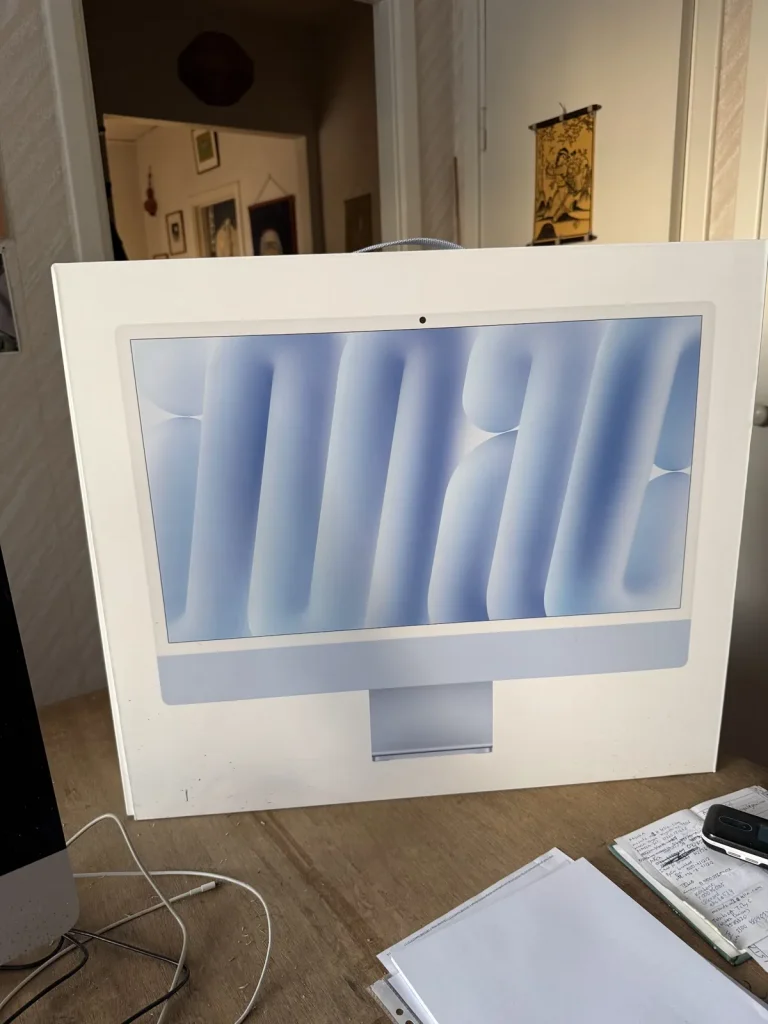
Mac support from Not Without IT covers Mac computers, iPhones and iPads for businesses, executives and families. We set up and migrate devices, fix problems remotely or on site, secure them with modern management, and connect them to Microsoft 365 and the rest of your environment.
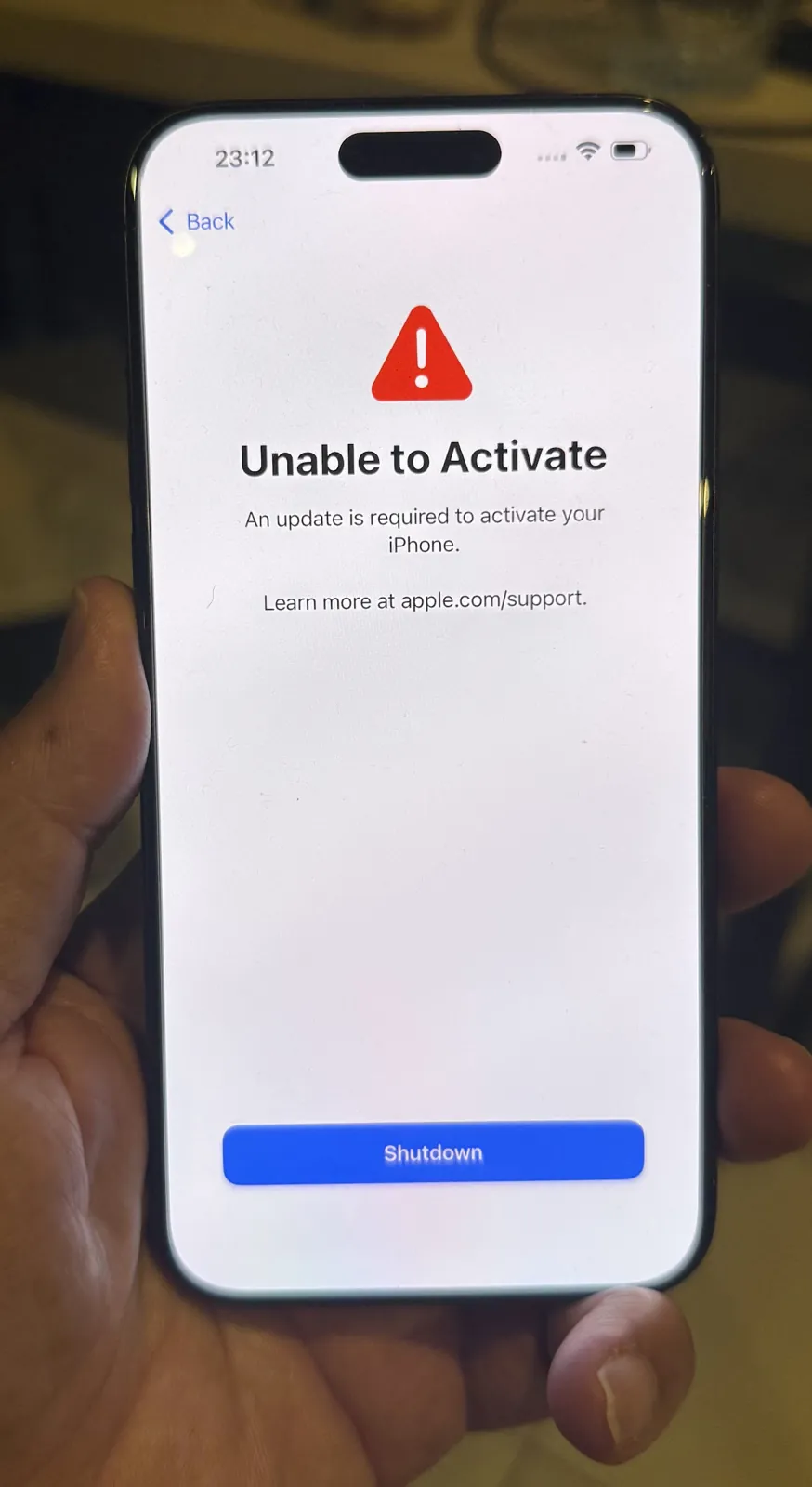
Apple devices have a reputation for simplicity. However, problems still appear: a Mac that slows down after an upgrade, an iPhone that shows “Unable to Activate”, an iPad locked after too many passcode attempts, or a new employee’s MacBook that needs company email, files and security in place on day one. Fortunately, our engineers handle these situations every week.
What our Mac support covers
We support Apple devices both at home and at work. Typical requests include:
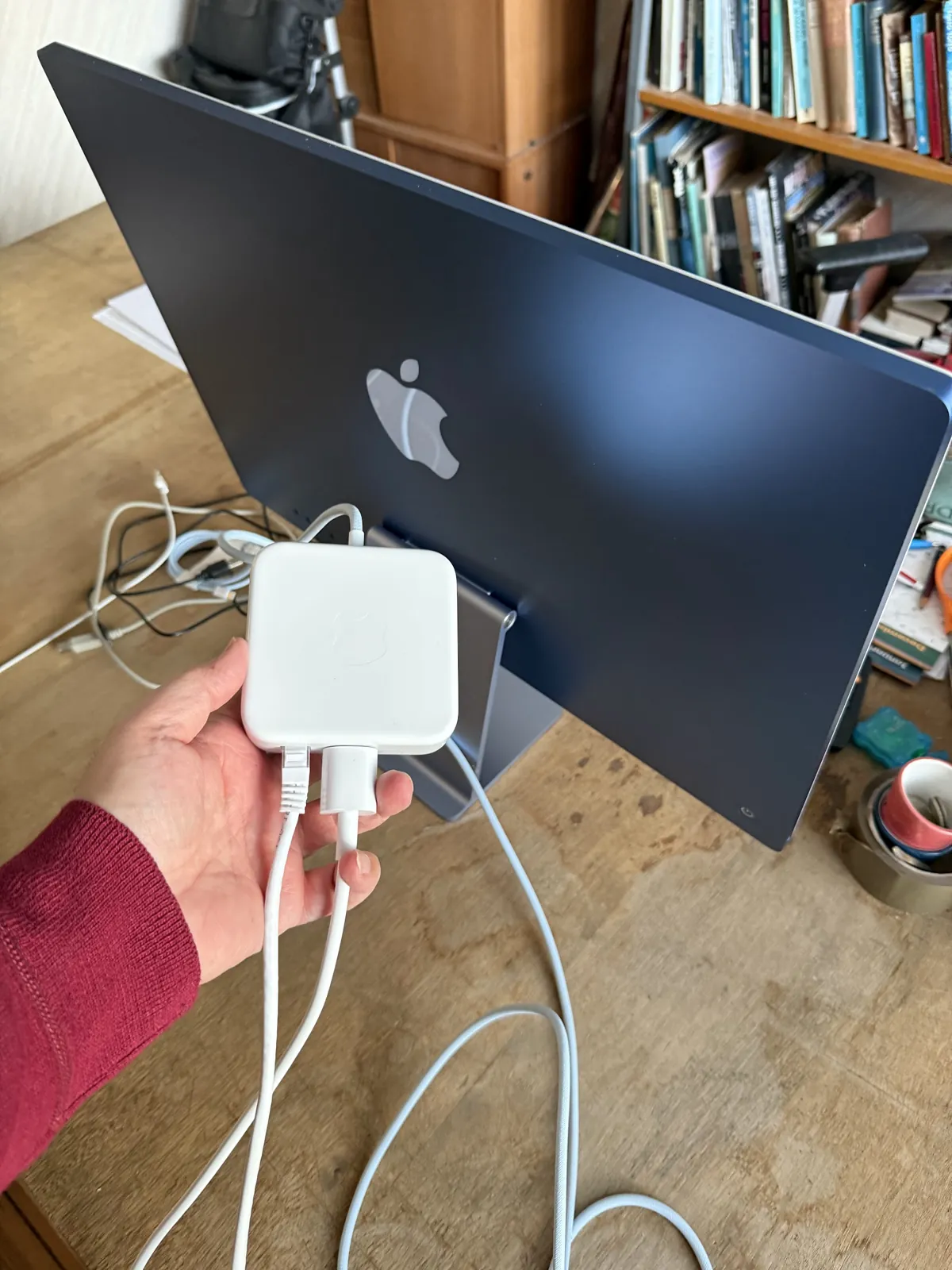
- Setup of new Macs, iPhones and iPads, including transfer of data from old devices.
- Troubleshooting of slow Macs, failed updates, full storage and crashing apps.
- iPhone and iPad restore, recovery mode and activation problems.
- Microsoft 365, Outlook, Teams and OneDrive on Mac.
- Backup with Time Machine, iCloud and network storage.
- Printers, displays, docks and Thunderbolt accessories.
In addition, we help businesses manage Apple devices with Apple Business Manager and mobile device management, so company settings and security apply automatically.
Apple devices in business
When a company owns its Macs and iPhones, it naturally needs control over them. With Apple Business Manager and a device management service, new devices configure themselves when an employee turns them on. Consequently, security settings, Wi-Fi, email and apps arrive without manual work. Likewise, when someone leaves, the company can wipe company data and reassign the device.

We also integrate Macs with Microsoft Entra ID and Intune where your organization uses Microsoft 365. As a result, Mac users follow the same compliance rules as Windows users. Read more about our Microsoft 365 support.
iPhone restore and Activation Lock
An iPhone that shows “iPhone Unavailable” or “Unable to Activate” can often be restored through a Mac or PC. However, Activation Lock protects stolen devices, and only the owner can remove it. According to Apple’s instructions, you can start an Activation Lock support request if you have proof of purchase documentation. We help owners through that process, but we never try to bypass the lock, because it exists to stop theft.
Security for Mac, iPhone and iPad
Even so, Apple devices are not immune to threats. Phishing, malicious profiles, stolen passwords and outdated software affect them too. Therefore, we enable FileVault encryption, keep macOS and iOS updated, use strong Apple Account security with two-factor authentication, and review installed profiles and apps. For executives, we also review privacy settings and account recovery options.
Why choose Not Without IT
Our engineers have supported Apple computers for decades, as part of more than 30 years of IT experience. Above all, we explain each step, so you understand your devices better afterward. Not Without IT is remote first, with headquarters in North Tustin, Orange County. We help remotely across the United States and on site in Orange County and Irvine. See also our remote IT support.
Frequently asked questions about Mac support
Mac support for computers
Why is my Mac running slow?
Common causes are full storage, too many login items, an old drive or an app using too much memory. We find the cause and fix it.
Can you move everything from my old Mac to a new one?
Yes. For this, we use Migration Assistant or a clean setup, depending on what works best for your data.
Can you help with a Mac that does not start?
Yes. First, we use recovery mode and diagnostics. Then, on site in Orange County, we can check the hardware.
Do you set up Time Machine backups?
Yes. For instance, we configure Time Machine to an external drive or network storage and test the restore.
Can Outlook and Teams run well on a Mac?
Yes. To that end, we set up Microsoft 365 apps on Mac and fix sign-in and sync problems.
Should I install the latest macOS update?
Usually, yes, because updates fix security flaws. However, we check that your key apps support it first.
Can you connect my Mac to a printer or network drive?
Yes. In addition, we install printers and connect network storage, including Synology and QNAP.
iPhone and iPad help
My iPhone says “iPhone Unavailable”. What can I do?
You can usually restore it through a Mac or PC, which erases it. Then you restore your data from a backup.
My iPhone shows “Unable to Activate”. Can you help?
Often, yes. The cause can be an update, a network issue or Activation Lock, and we find out which.
Can you remove Activation Lock?
Only the owner can remove it, either with the Apple Account or with Apple’s support request and proof of purchase.
Can you move data from Android to iPhone?
Yes. Where possible, we also transfer contacts, photos, messages and apps.
Can you set up a new iPhone for an elderly parent?
Yes. In practice, we set it up with larger text, simple home screens and safety features.
My iPad is disabled after too many passcode attempts. Now what?
We restore it through a computer and recover your data from iCloud or a backup.
Can you recover photos from an iPhone?
If a backup exists, usually yes. Without a backup, the options are limited, so we set up backups afterward.
Apple devices for businesses
What is Apple Business Manager?
Apple Business Manager is Apple’s free portal for organizations to own and deploy Apple devices with device management.
Can you manage company iPhones and Macs?
Yes. To do so, we set up device management, so security settings and apps apply automatically.
What happens to company data when an employee leaves?
With device management, we can wipe company data and reassign the device to someone else.
Can Macs follow the same rules as our Windows computers?
Yes. With Microsoft Intune, Macs can follow the same compliance and security policies.
Do you encrypt company Macs?
Yes. As standard, we enable FileVault and also store recovery keys securely in your management system.
Can you support executives traveling with Apple devices?
Yes. For example, we secure devices before travel and help remotely wherever they are.
Costs and working with us
How much does Mac support cost?
Remote sessions are billed by time. Alternatively, businesses can include Apple devices in a monthly agreement.
Can you set up a Mac for a new employee?
Yes. With device management, the Mac configures itself, and then we verify email, files and security.
Do you support older Macs?
Yes, as long as they can run a supported macOS version. Otherwise, we advise on replacement.
Can you recover a forgotten Apple Account password?
We guide you through Apple’s account recovery, which only the owner can complete.
Do you come to my home or office?
Yes, in Orange County and Irvine. Elsewhere in the U.S., we help remotely.
Can you help remotely with my Mac?
Yes. In that case, we connect through a secure, approved remote session.
Do you repair broken screens?
We diagnose hardware problems and arrange repair through authorized service providers where needed.
Do you support both families and businesses?
Yes. In fact, we help individuals, families, executives and companies.
How do I book Mac support?
Call (949) 355-1694 or send the form below, and an engineer will contact you.
Why choose Not Without IT for Mac support?
You get experienced engineers who fix the problem and explain it clearly.