
Start a remote support session
We use Splashtop SOS for every remote session. You run a small app, read us the 9-digit session code it shows, and an engineer connects to your screen. Nothing stays installed, and the session ends as soon as you close the app.
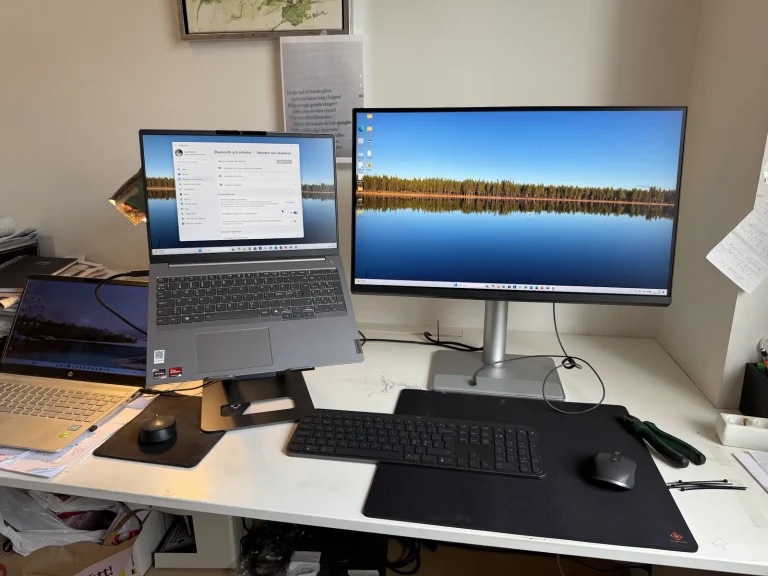
Windows computers
Remote IT support for Windows desktops and laptops: Microsoft 365, Outlook, printers, updates and security.
Download for Windows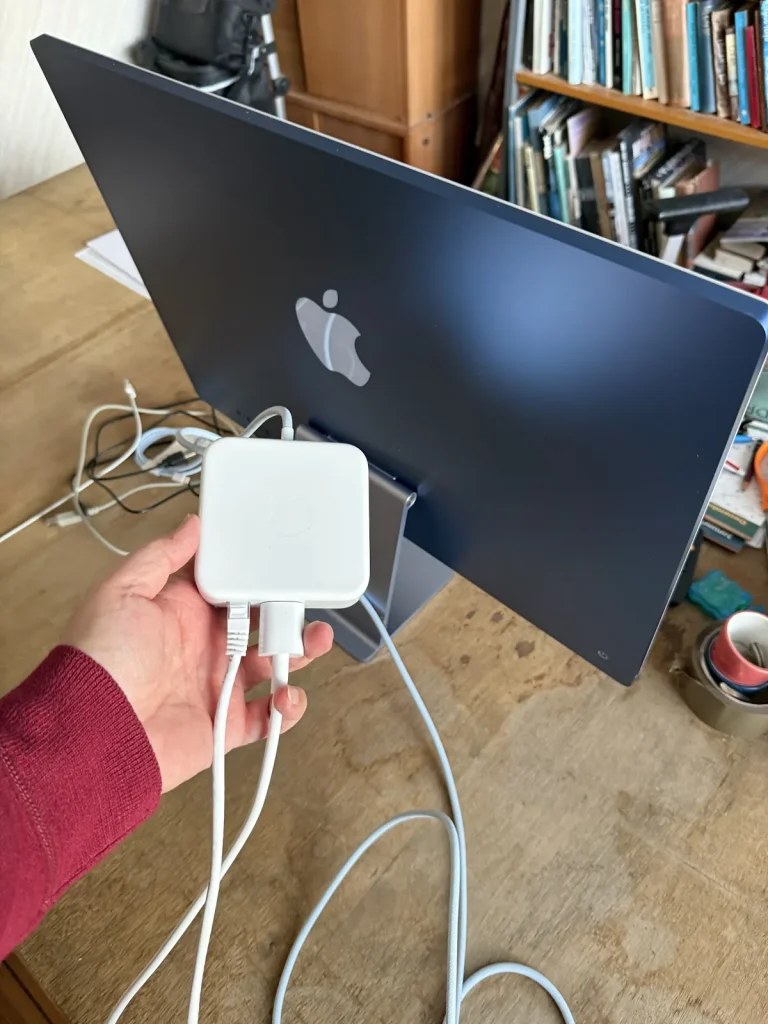
Apple Mac computers
Remote Apple support for iMac, MacBook and Mac mini: macOS updates, iCloud, Mail, backups and performance.
Download for Mac
iPhone, iPad and Android
Open the link on your phone or tablet. It takes you to the Splashtop SOS app in the App Store or Google Play.
Open on your phoneHow remote support works
- Contact us. Call (949) 355-1694, send a WhatsApp message or use the contact form, and describe the problem in a few sentences.
- Run Splashtop SOS. Download the app for your device above, open it and read the 9-digit session code to the engineer.
- We connect and fix it. You see everything we do on your screen and can end the session at any time. Afterwards, you receive a short summary of what we changed.
What we solve remotely
- Diagnostics and troubleshooting: slow computers, error messages, crashes and network problems.
- Installation and configuration: software, Microsoft 365, email accounts, printers and VPN.
- Security and backup: malware removal, multi-factor authentication, backups and recovery.
- Updates and maintenance: Windows and macOS updates, drivers, cleanup and performance tuning.
Why choose remote support
- Fast response: no travel time, so we can often start within minutes of your call.
- Lower cost: you pay for the work, not for driving to your office.
- Flexibility: at home, in the office or traveling, wherever you have an internet connection.
- Less environmental impact: fewer trips mean lower emissions.
Remote support from $300 per hour, with more than 30 years of experience behind every session. Splashtop SOS connections are encrypted, and we can only connect when you give us the code.
Remote IT support from Not Without IT connects an experienced engineer to your computer or server through an encrypted session, usually within minutes of your call. Because nobody has to travel, we often resolve the problem the same day, whether you sit in Manhattan, Dallas or a home office in Irvine.
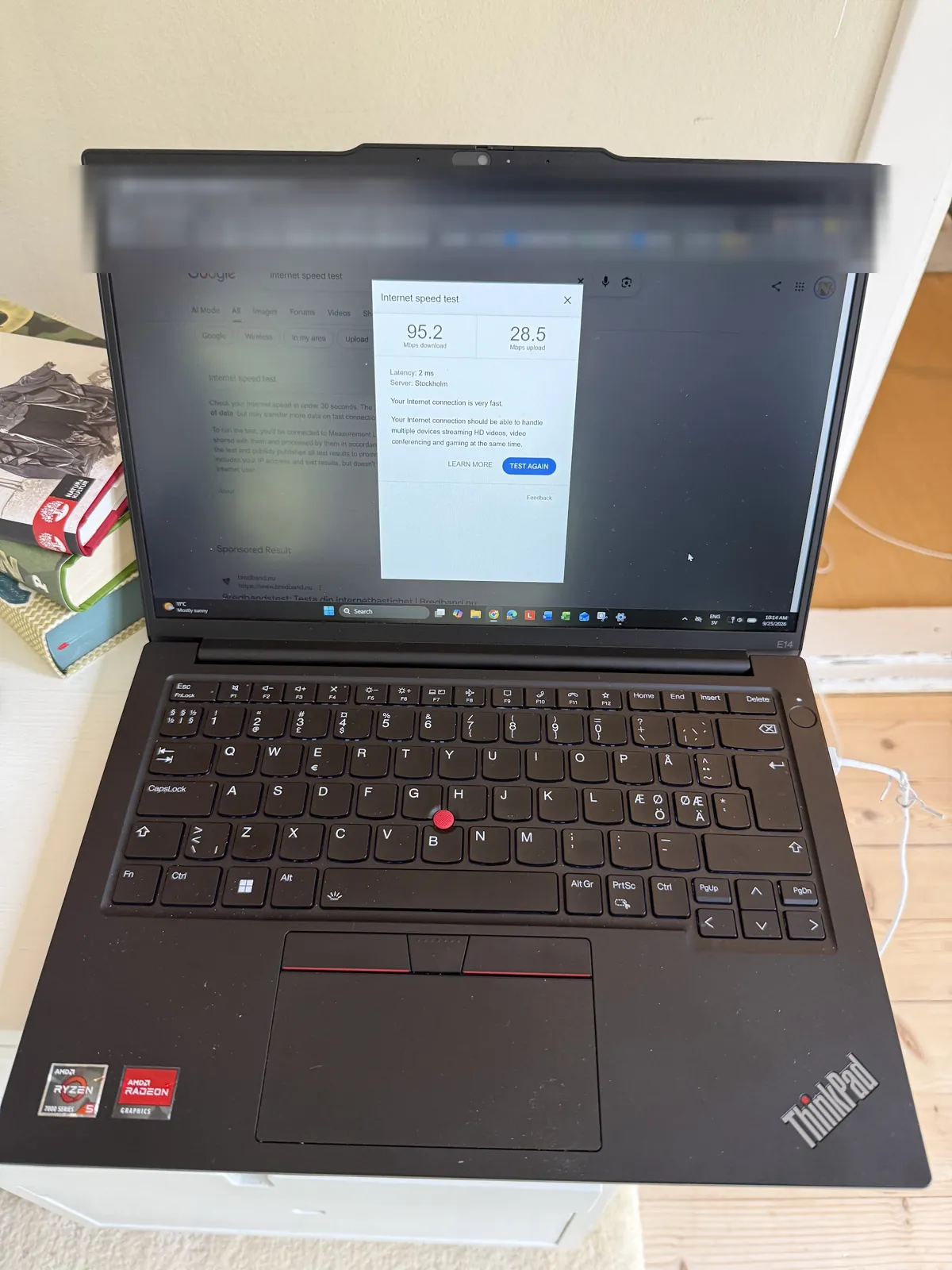
Remote work changed where IT problems happen. Laptops travel, servers run in AWS and Azure, and email lives in Microsoft 365. Consequently, the fastest help is the help that reaches your screen directly. That is why remote IT support sits at the center of everything we do.
What our remote IT support covers
We support single executives, small offices and large teams. Typical requests include the following:
- Windows and macOS problems, slow computers, failed updates and printer drivers.
- Microsoft 365 issues: Outlook profiles, Teams, OneDrive sync and multifactor sign-in.
- Linux and cloud servers on AWS, Azure, Google Cloud and Oracle Cloud Infrastructure.
- Network troubleshooting for VPN connections, Wi-Fi drops and DNS errors.
- Security concerns, such as suspicious email, unknown login alerts or a possible infection.
- New computers and phones that need setup, migration and backup.
In addition, we help with software that your industry depends on. For example, we troubleshoot document management systems for law firms and engineering workstations for modeling and simulation.
How a remote IT support session works
First, you call (949) 355-1694 or send a request through the form on this page. An engineer then calls you back, listens to the problem and asks for permission to connect. Next, you start the remote session with a one-time code, so the connection exists only while you allow it.
During the session, you watch everything we do on your own screen. We explain each step, and you can end the session at any moment. Afterward, we document the cause and the fix in a short summary, which also helps if the problem returns.
For desktop sessions, we use Splashtop SOS, which encrypts the connection with TLS and 256-bit AES and requires your approval on each device. For servers, we connect over SSH with keys and multifactor protection instead. Our apps and remote tools page lists the download links for Windows and Mac.
Security in remote IT support
Remote access must never become an open door. Therefore, we follow strict rules. Sessions start only on your request, and no permanent access remains on personal computers after the job. Similarly, every server account we use belongs to a named engineer and carries multifactor authentication.
Be careful with unsolicited calls from people who claim to be technical support. The Federal Trade Commission warns that real companies do not call you out of the blue about a virus on your computer. If you are unsure, hang up and call us back on our published number.
Remote IT support for businesses and organizations
Organizations often combine our remote IT support with a monthly agreement. In that case, your users reach the same engineers every time, and we already know your environment when they call. As a result, the average session gets shorter, and recurring issues disappear because we fix root causes.
We also act as a second line for internal IT departments. For instance, your own team keeps first-line support while we take Linux servers, cloud platforms, email security or after-hours incidents. Read more about our managed IT services if you want a fixed scope.
Why choose Not Without IT for remote help
Our engineers have more than 30 years of experience, from defense systems and telecom development to daily business IT. Above all, we combine depth with clear communication. You talk directly to the person who fixes the problem, not to a script.
Not Without IT is a remote-first company with headquarters in North Tustin, Orange County. Meanwhile, if a problem requires hands on hardware, we visit sites in Orange County and Irvine, and we travel elsewhere in the United States on request.
Frequently asked questions about remote IT support
Before the session
What is remote IT support?
Remote IT support means that an engineer connects to your computer or server over the internet and fixes the problem without visiting you.
Is remote IT support safe?
Yes, when it follows clear rules. We use encrypted sessions, one-time codes and your approval, and you can end the session at any time.
Which software do I need to install?
For computers, you run a small Splashtop SOS app that we send you. It does not stay active after the session.
How fast can an engineer connect?
Often within the hour during business hours. For urgent security incidents, we prioritize the response.
Do you support Mac computers as well as Windows?
Yes. We support macOS, Windows, iOS, iPadOS and Linux.
Can you help if my computer does not start?
Partly. If the computer does not boot, we guide you by phone or video, and on-site help is available in Orange County.
Does remote IT support work over a slow connection?
Usually, yes. A remote session needs far less bandwidth than a video call, although a very weak signal can slow it down.
What should I prepare before the call?
Write down the error message, when the problem started and what changed. Also, keep your login details nearby.
During and after the session
Can I watch what the engineer does?
Yes. You see every action on your screen, and we explain each step as we work.
Will you see my personal files?
We open only what the task requires. If personal files are on screen, we ask you to close them first.
What happens when the session ends?
The connection closes, and the app no longer has access. Then you receive a summary of the cause and the fix.
Do you keep a record of the work?
Yes. We document each session, so the next engineer knows the history.
What if the same problem returns?
Then we look for the root cause rather than repeating the quick fix. Usually, a recurring problem points to an update, a driver or a configuration issue.
Can you install new software remotely?
Yes. For example, we install and configure business applications, printers and VPN clients.
Can you fix email problems in Outlook remotely?
Yes. Outlook profiles, shared mailboxes and Microsoft 365 sign-in issues are among the most common requests.
Servers, cloud and security
Do you provide remote IT support for Linux servers?
Yes. We manage Amazon Linux, Red Hat Enterprise Linux, Ubuntu, Debian and Oracle Linux over SSH.
Can you support our AWS or Azure environment?
Yes. Our engineers work daily with AWS EC2 and Azure virtual machines, including monitoring and backup.
I think my computer has a virus. What should I do?
First, disconnect it from the network. Then call us, and do not enter passwords until we have checked the computer.
Someone called and offered to fix my computer. Is it you?
Not unless you contacted us first. We do not make unsolicited support calls, so hang up and call our published number.
How do you protect server access?
Every engineer uses a personal account with SSH keys and multifactor authentication, and we log privileged actions.
Can you help after a data breach?
Yes. We isolate affected systems, secure evidence and help you restore normal operations.
Do you support government and defense organizations?
Yes, within the security rules of each organization. Before we connect, we review your access policies with your security officer.
Costs and availability
How much does remote IT support cost?
We bill per started session time or include it in a monthly agreement. The price depends on the scope, so we confirm it before we start.
Do you offer remote IT support outside business hours?
Yes, by agreement. Organizations with a monthly plan can add after-hours coverage.
Which areas of the U.S. do you serve?
We provide remote IT support throughout the United States, from New York to California.
Do you also come on site?
Yes, in Orange County and Irvine. Elsewhere, we travel when a customer requires it.
Can individuals and home users book remote IT support?
Yes. Executives, families and home offices use the same secure process.
Do you speak with my existing IT provider if needed?
Yes. We coordinate with your current provider, so the problem gets solved without finger pointing.
Can you set up new employees remotely?
Yes. We prepare accounts, devices and access rights, so new staff can work on day one.
How do I request remote IT support now?
Call (949) 355-1694 or send the form below. An engineer will contact you as soon as possible.