
Microsoft 365 support from Not Without IT covers the daily administration and security of your tenant: Exchange Online, Teams, SharePoint, OneDrive, Entra ID and Intune. As a result, your staff get working email and files, and your administrators get a tenant that is documented, protected and ready for an audit.
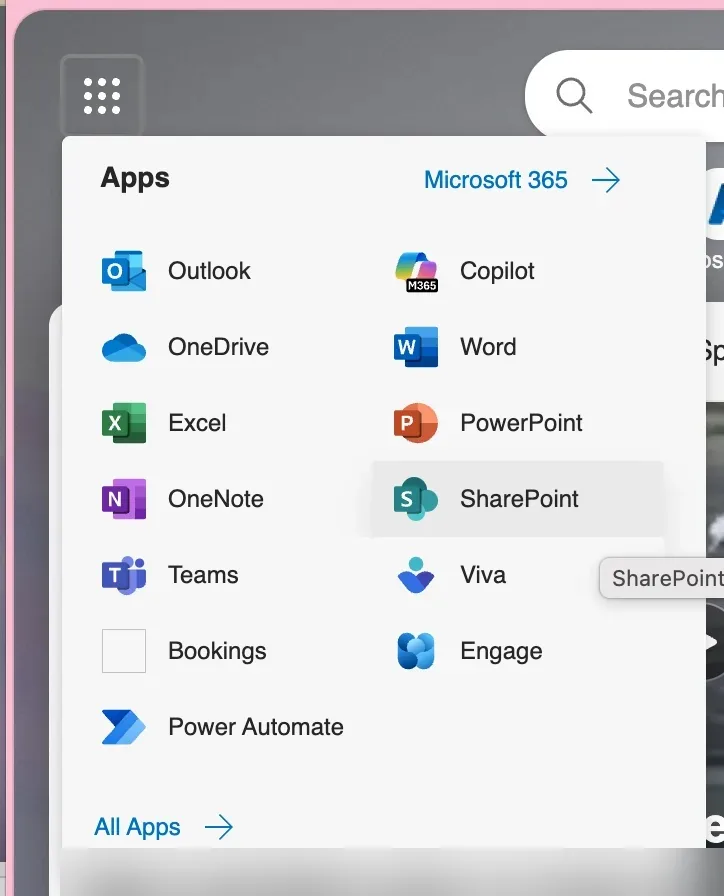
Microsoft 365 looks simple from the outside. Behind the apps, however, sit hundreds of settings for identity, sharing, retention and device access. One wrong default can expose company files to the internet, while one missing policy can let an attacker sign in with a stolen password. Our engineers know these settings, and we change them with care.
What our Microsoft 365 support covers
We administer tenants for small offices as well as larger organizations with several domains. Our Microsoft 365 support typically includes:
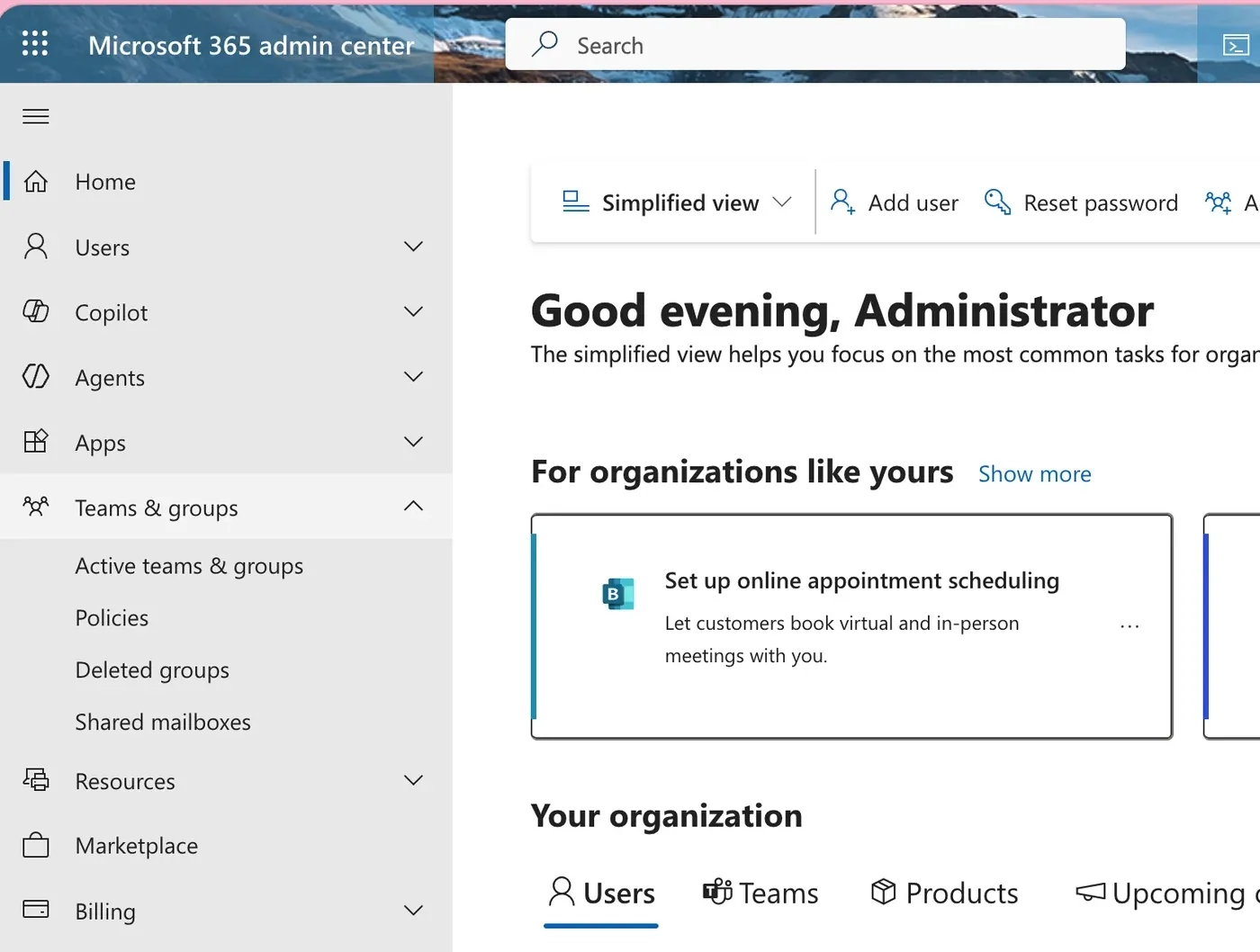
- Exchange Online: mailboxes, shared mailboxes, mail flow rules, connectors and message trace.
- Teams: teams and channels, guest access, meeting policies and phone routing.
- OneDrive and file sync, including known folder move for Windows and macOS.
- Entra ID: users, groups, multifactor authentication and Conditional Access.
- Intune: device enrollment, compliance policies and app deployment for Windows, Mac, iPhone and Android.
- Licensing reviews, so you pay only for the plans you actually use.
In addition, we handle onboarding and offboarding. When an employee leaves, for example, we block sign-in, convert the mailbox, transfer files and remove device access in one documented routine.
SharePoint expertise for documents and intranets
SharePoint stores the files behind Teams, so its structure decides who sees what. Therefore, we design sites, libraries and permissions around your departments and projects instead of around individual people. We also clean up broken inheritance, external sharing links and oversized libraries that slow sync.
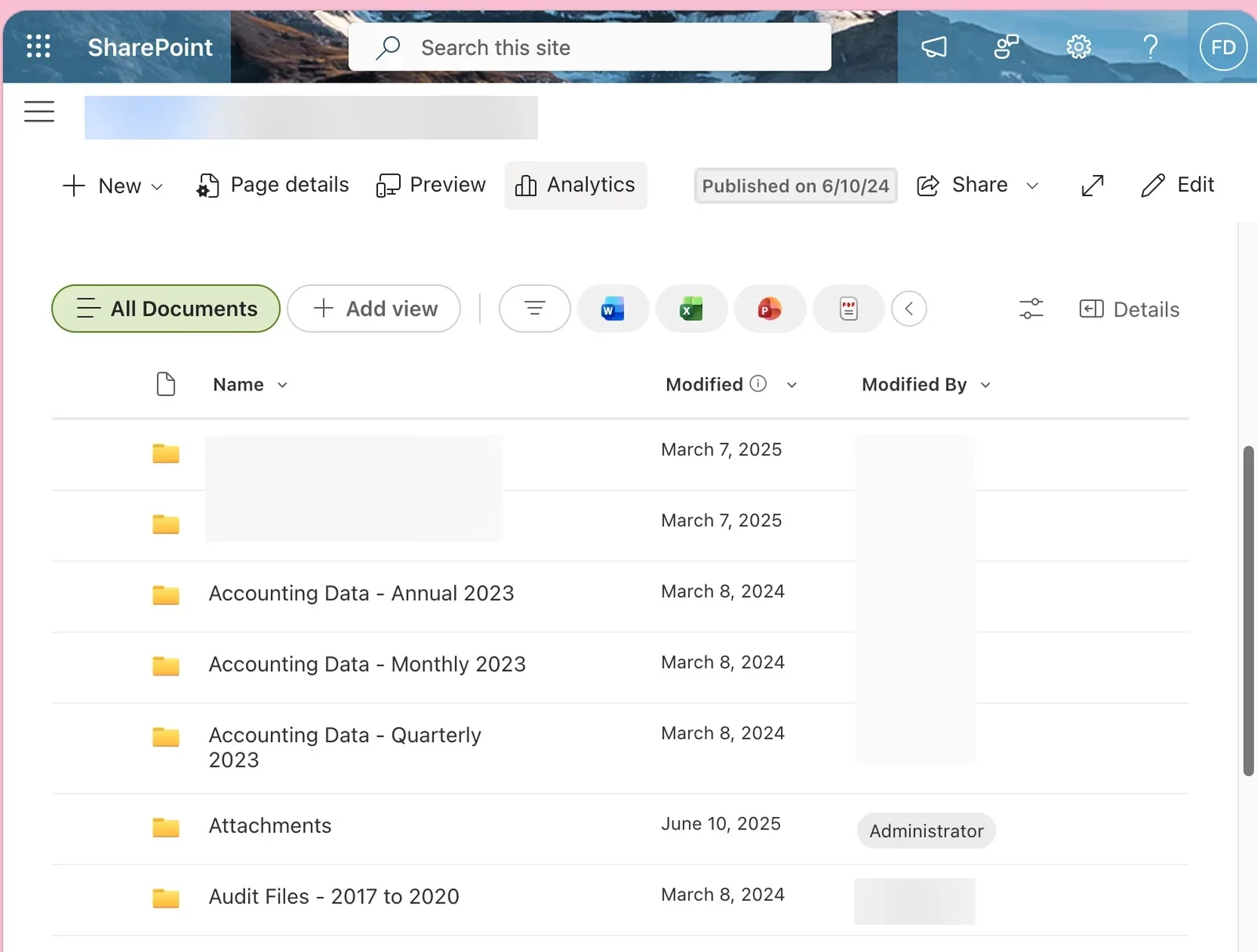
When you move from a file server or another cloud, we plan the migration in stages, test with a pilot group and keep version history where possible. Afterward, your users find documents faster, and your administrators can explain every permission.
Microsoft 365 support for tenant security
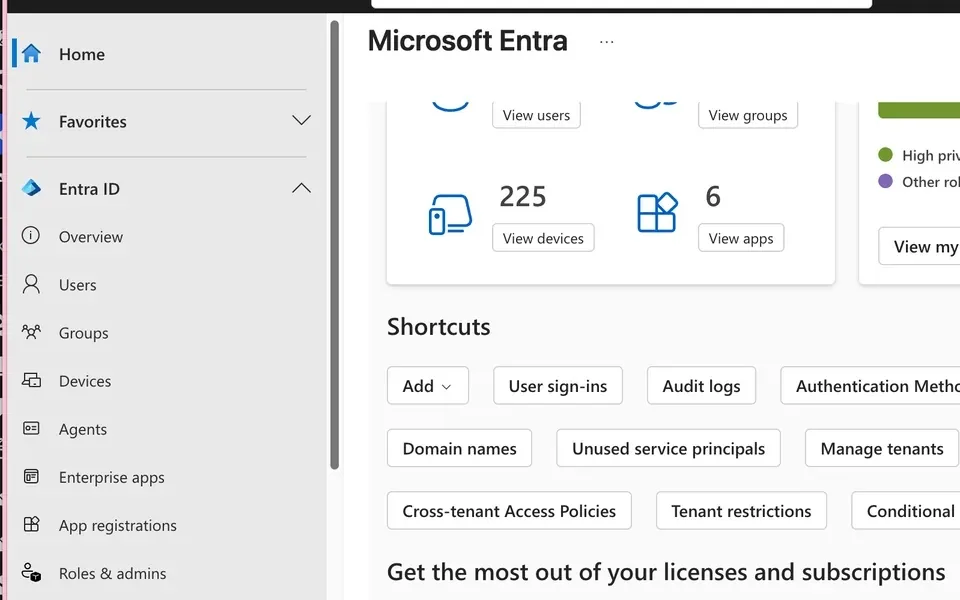
Most tenant breaches start with a stolen password or a phishing link. For that reason, Microsoft 365 support from our team always includes a security baseline. We enforce multifactor authentication, block legacy authentication and separate administrator accounts from daily accounts. Similarly, we review mailbox forwarding rules, because attackers often hide there after a successful phishing attack.
Email protection belongs to the same work. We configure SPF, DKIM and DMARC, so other servers can verify mail from your domains. Read our guide on DMARC, SPF, DKIM and BIMI for the details.
Moving from Exchange Server to Exchange Online
Microsoft ended support for Exchange Server 2016 and Exchange Server 2019 on October 14, 2025. According to Microsoft’s end-of-support notice, these servers no longer receive security updates. Consequently, organizations still running them face a growing risk.
You have two paths: migrate to Exchange Online, or upgrade to Exchange Server Subscription Edition if you must keep mail on premises. We help you compare both options, and then we carry out the move with a hybrid setup or a staged migration.
Why choose Not Without IT
Our engineers bring more than 30 years of experience with Microsoft platforms, from early Windows NT networks to today’s cloud tenants. Above all, we document every change, so your organization keeps control of its own tenant.
Not Without IT is remote first, with headquarters in North Tustin, Orange County. We administer tenants for organizations across the United States, and we also visit offices in Orange County and Irvine when devices need hands-on work. Combine Microsoft 365 support with our Azure consulting if you also run servers in Microsoft’s cloud.
Frequently asked questions about Microsoft 365 support
Microsoft 365 support for email, Teams and files
Why do my emails from Microsoft 365 land in spam?
Usually, SPF, DKIM or DMARC records are missing or wrong. We check your DNS and fix the records for each domain.
Can you recover a deleted mailbox or email?
Often, yes. Exchange Online keeps deleted items and mailboxes for a limited period, so act quickly.
Why does OneDrive keep showing sync errors?
Common causes are long file paths, unsupported characters and very large libraries. We identify the cause and fix it.
Can you set up shared mailboxes and calendars?
Yes. We create them, assign permissions and add them to Outlook for the right users.
How do we give external partners access to Teams?
We configure guest access with clear limits, so partners see only the channels they need.
Can you move our files from a file server to SharePoint?
Yes. We plan the structure, migrate in stages and keep permissions as close to the original as possible.
What is the difference between OneDrive and SharePoint?
OneDrive holds personal work files, while SharePoint holds shared team files. Teams uses SharePoint in the background.
Can you fix Outlook that keeps asking for a password?
Yes. Usually, the cause is an old profile, a cached credential or a sign-in policy, and we correct it remotely.
Identity, devices and security
What does Entra ID do in Microsoft 365?
Entra ID, formerly Azure Active Directory, manages users, groups, sign-ins and multifactor authentication for the whole tenant.
Do we really need multifactor authentication for everyone?
Yes. Multifactor authentication stops most attacks that rely on stolen passwords, so we enable it for every account.
What is Conditional Access?
Conditional Access sets rules for sign-ins, for example blocking unknown countries or requiring a compliant device.
Can you manage our laptops and phones with Intune?
Yes. We enroll Windows, Mac, iPhone and Android devices and apply compliance and security policies.
An employee lost a phone with company email. What now?
First, we block the device and reset the session tokens. Then, if needed, we wipe company data remotely.
How do we know if our tenant has been compromised?
Warning signs include unknown forwarding rules, strange sign-in locations and mail sent at odd hours. We review the audit logs to confirm.
Can you protect our Microsoft 365 data with backups?
Yes. Microsoft keeps data available, but a separate backup protects you against deletion and ransomware.
Migration and licensing
Is Exchange Server 2019 still supported?
No. Support for Exchange Server 2016 and 2019 ended on October 14, 2025, so we recommend migrating.
Can you migrate us from Google Workspace to Microsoft 365?
Yes. We move mail, calendars, contacts and files, and we plan the switch to avoid lost messages.
Can you move us between two Microsoft 365 tenants?
Yes. Tenant-to-tenant migrations are common after mergers, and we plan them carefully.
Are we paying for too many licenses?
Possibly. In many tenants, former employees and unused add-ons still carry licenses, and a review often lowers the bill.
Which Microsoft 365 plan should we choose?
It depends on your security and compliance needs. We compare the plans with you before you buy.
How long does a migration to Exchange Online take?
For most small and midsize organizations, a few weeks including planning and testing. Larger tenants take longer.
Can you set up Microsoft 365 for a brand-new company?
Yes. We register the domains, create the tenant, configure security and set up every user.
Working with us
What does Microsoft 365 support cost?
The cost depends on the number of users and the scope. Therefore, we quote a fixed monthly fee or a project price.
Do you need global administrator access?
Only for specific tasks. Otherwise, we use roles with the least privilege needed for the job.
Can you work alongside our internal IT team?
Yes. Many teams use us for complex tasks such as Conditional Access, Intune or migrations.
Do you support government organizations?
Yes. Before we change anything, we review your agency’s policies and the cloud environment you use.
Can you train our staff in Teams and SharePoint?
Yes. We run short, practical sessions focused on how your organization works.
Do you also support SharePoint intranets?
Yes. We build and maintain SharePoint intranet sites with clear structure and permissions.
Where are you located?
Our headquarters are in North Tustin, Orange County, and we support tenants across the U.S. remotely.
How do I request Microsoft 365 support?
Call (949) 355-1694 or send the form below, and an engineer will contact you.